
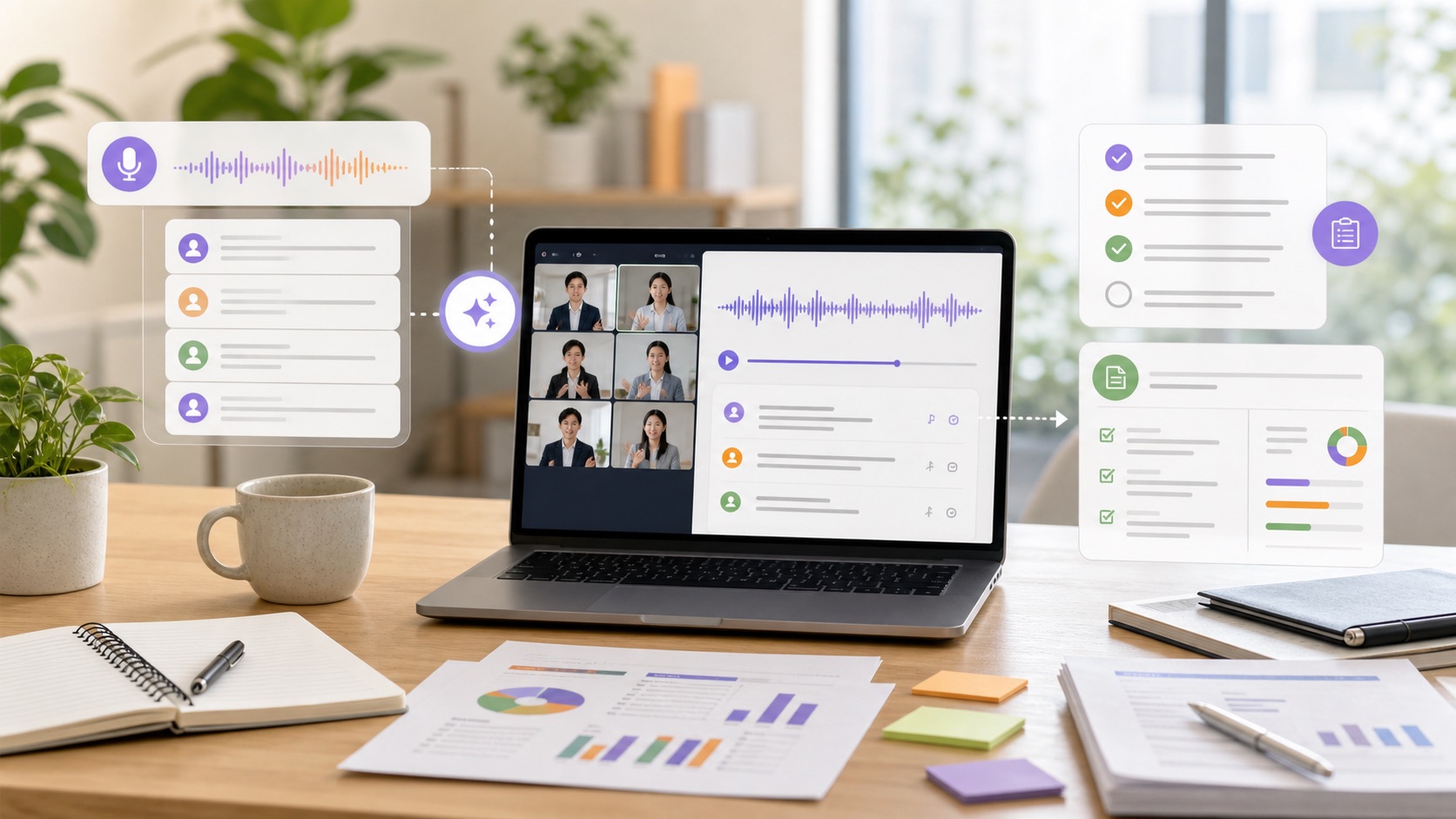
To get straight to the point: sales meeting minutes can be handed to AI through transcription, summarization, extracting decisions, and drafting the sharing text. But final confirmation of amounts, deadlines, and commitments made to the customer, and the judgment of how the meeting actually went, should stay with people.
Every time a sales call ends, you write up the minutes while memory is fresh, enter them into the CRM, and share them with your manager and team.
Plenty of reps spend 30 minutes to an hour per meeting on that routine.
This article explains where the line sits for AI, concrete ways to use it, and how to roll it out.
The Short Answer | Division-of-Labor Table for Sales Meeting Minutes
First, the big picture.
Split minutes creation into individual tasks, and what AI can take over sorts out like this:
| Task | Easy to delegate to AI? | What humans should verify |
|---|---|---|
| Transcribing the recording | ◎ Easy to delegate | Mis-transcriptions of proper nouns: company names, product names, amounts |
| Summarizing the meeting | ◎ Easy to delegate | Whether important statements dropped out |
| Extracting decisions and TODOs | ○ Easy to delegate | Whether owners, due dates, and commitments are accurate |
| Organizing next actions | ○ Easy to delegate | Whether they match what was agreed with the customer |
| Text for CRM/SFA entry | ○ Easy to delegate | Field assignments, judgment of win likelihood and deal stage |
| Drafting the follow-up email | ○ Easy to delegate | Every word before sending (promise-like wording) |
| Recording amounts, deadlines, and contract terms | △ Draft only | Always match numbers and terms against the source or your memory |
| Judging the meeting’s temperature and win likelihood | × Don’t delegate | Reps interpret the customer’s reactions |
| Internal decisions such as discounts and feasibility | × Don’t delegate | Judgment itself is outside AI’s remit |
The point of the split: “writing the minutes” is almost fully delegable to AI, but “verifying what the minutes say and deciding what to do from there” remains human work.
Where the Time Actually Goes in Minutes Writing
“Writing sales minutes” sounds like one task, but in practice it is a stack of them:
- Take notes during the call (easy to miss things while also talking)
- After the call, replay recordings or reread notes to recall the details
- Restructure it all into minutes (key points, decisions, TODOs, next meeting)
- Enter the meeting record into the CRM or SFA
- Share it with your manager and team (email or chat)
- Send the customer a thank-you and confirmation email
Steps 2 through 4 eat the time, and they are also where mistakes happen.
Common trouble looks like this:
- Focusing so hard on notes during the call that the conversation itself suffers
- Back-to-back meetings push minutes to the bottom of the list, and the details blur within days
- “Who was supposed to do that TODO, by when?” gets shared in a vague state
- CRM entry feels like a chore, fields go blank, and the team loses sight of deal status
So the problem with sales minutes isn’t just that they are hard to write—it is that deferring them lets both freshness and accuracy decay.
AI’s value is that a draft exists automatically right after the call, which eliminates the deferral.
The First Four Tasks to Delegate, and How to Use Them
Transcription and Meeting Summaries
Hand AI the recording of an online meeting (Zoom, Google Meet, Microsoft Teams, and so on) or a phone recording of an in-person meeting, and the transcript and summary come back in minutes.
- What to give AI: the meeting recording, or an existing transcript
- What you get: the full spoken text, plus a summary organized into “customer challenges,” “reaction to the proposal,” “concerns raised,” and more
For transcription from recordings, transcription-specific tools like Notta, Rimo Voice, and tl;dv work well.
Zoom, Google Meet, and Microsoft Teams themselves also offer transcription and summary features on some plans (check the official sites for plan and setting availability).
Once you have the transcript, have ChatGPT, Claude, Gemini, or a similar AI summarize it with a prompt like this:
You are the minutes keeper for a sales team.
Summarize the sales call transcript below into minutes using the following format.

# Format
- Date, time, and attendees:
- Customer challenges:
- Reaction to the proposal:
- Concerns raised:
- Decisions made:
- TODOs (with owners and due dates):
- Next meeting:

# Notes
- Do not fill in gaps with guesswork about things not in the transcript
- Keep amounts, dates, and quantities exactly as expressed in the source
- Mark statements you are unsure about as "needs confirmation"

# Transcript
(Paste the transcript here)
The trick here is to use the same summary format every time.
Fixing the fields as in the example above means every rep’s minutes look the same and are easy for the team to read.
Including notes like “no guessing” and “numbers stay as written” reduces the failure where AI helpfully rewrites the facts.
Extracting Decisions and TODOs
Pulling “what was decided” and “who does what by when” out of a transcript is a classic AI strength.
- What to give AI: the transcript plus the instruction “list decisions and TODOs with owners and due dates”
- What you get: a TODO list like “Send the quote by this Friday (us - account executive)” or “Check the expected internal approval schedule (customer - department manager)”
Here is a sample prompt.
From the sales call transcript below, extract "decisions made" and "TODOs."

# Output format
| Type (decision/TODO) | Content | Owner (us/customer + name) | Due date |

# Notes
- If a due date or owner can't be read from the transcript, write "unclear" rather than guessing
- Statements like "we'll consider it" or "I'll take it back to my team" are not decisions; list them separately as "under consideration"

# Transcript
(Paste the transcript here)
A task that takes 20-30 minutes when a human relistens to a recording to pick out TODOs becomes a matter of just verifying.
The instructions “write unclear when unclear” and “separate decisions from considerations” are the key points of this prompt.
That said, AI mishears or infers due dates and owners, so always cross-check against your own memory.
Creating Text for CRM/SFA Entry
Entering meeting records into Salesforce, HubSpot, kintone, Zoho CRM, and similar can also be prepped with AI.
- What to give AI: the meeting summary and your CRM’s input fields (e.g., meeting overview, next action, next appointment date, key contact)
- What you get: entry text assigned to each field
The trick is to write your CRM’s actual field names into the prompt.
Based on the sales meeting minutes below, create entry text for the CRM, field by field.

# CRM input fields
- Meeting overview (200 characters or fewer):
- Customer challenges:
- Next action:
- Next appointment date:
- Key contact (role and interests):

# Notes
- Do not write judgments of win likelihood or deal stage (the account executive decides)
- For anything not in the minutes, write "not stated"

# Meeting minutes
(Paste the minutes here)
The biggest reason CRM entry doesn’t stick is that “writing it up after every meeting is a chore,” so just having a draft ready changes the entry rate substantially.
But never let AI decide win likelihood or stage updates—the account executive decides.
Drafting Internal Shares and the Follow-Up Email
From the minutes, you can also draft “a share text for your manager and team” and “a thank-you and confirmation email for the customer.”
Share text for pasting into Slack, Chatwork, or Microsoft Teams chat and a customer-facing email call for different registers, so the trick is to give separate instructions for each use.
Here is a sample prompt for the customer follow-up email:
Based on the sales meeting minutes below, draft a thank-you and confirmation email to the customer.

# Conditions
- Recipient: [Company Name], attn. [Recipient Name]
- Sender: our account executive
- Structure: thanks (1-2 sentences) → today's decisions (bullets) → our TODOs and due dates (bullets) → what we'd like the customer to confirm (bullets) → confirming the next meeting
- Tone: polite but not stiff business email

# Notes
- Do not write commitments or feasibility claims that aren't in the minutes
- Use amounts and deadlines exactly as recorded in the minutes; do not change them

# Meeting minutes
(Paste the minutes here)
For customer emails in particular, the format of confirming today’s decisions and TODOs as bullet points also prevents misaligned understanding.
But customer-facing text easily contains commitments—amounts, deadlines, feasibility—so always read the whole thing before sending.
Numbers and Promises Get Human Eyes | Judgment That Stays With You
Sales minutes don’t stay an “internal memo”—they are a record that leads to quotes, contracts, and deliveries.
Keep the following as human work:
- Confirming amounts, deadlines, quantities, and contract terms: Transcription gets numbers wrong. A mis-transcription like “50,000 yen a month” turning into “500,000” genuinely happens. Always check numbers against the source or your memory
- Final confirmation of commitments to the customer: The difference between “we said we could” and “we said we’d consider it” feeds straight into later trouble. AI summaries can flatten that nuance
- Judging the meeting’s temperature and win likelihood: Tone of voice, the contact’s expression, the whiff of internal politics—recordings don’t capture enough of this. The rep makes the call
- Internal decisions such as discounts and special handling: Never delegate to AI the act of concluding “we should discount” from the minutes. AI’s role stops at organizing the material for judgment
The minimum review checklist for AI-drafted minutes has five items:
- Are company names, contact names, and product names written correctly?
- Are the amounts, deadlines, and quantities right?
- Are decisions and “items under consideration” mixed together?
- Do the TODO owners and due dates match what was agreed?
- Does AI guesswork appear inside what is written as the customer’s statements?
When Sales Meeting Minutes AI Doesn’t Work Well
Recording Without Consent and Causing Trouble
If you record a meeting, the baseline is to ask at the start: “May I record this to create minutes?”
Recording without consent damages trust, and it may also run into the customer’s own internal rules.
Build a word of consent into your standard meeting opener.
Putting Customer Information into Unvetted AI Tools
Meeting recordings contain sensitive information: the customer’s business plans, budgets, and personal names.
Putting meeting data as-is into tools configured to train on inputs is something to avoid.
Check the tool’s data handling (whether inputs are used for training, where data is stored, whether it can be deleted), decide internally which tools may receive meeting data, and only then start.
Sharing the Raw Transcript as “Minutes”
A full transcript is too long, and nobody reads it.
Define minutes as something that shows key points, decisions, TODOs, and the next meeting at a glance, and have AI output along a summary format.
Registering AI Output to the CRM Without Checking
If it goes in unverified on the theory that “AI made it, so it must be right,” wrong amounts and dates become the team’s shared understanding.
Set the rule up front: verification completes the record.
Choosing Between Minutes Tools, ChatGPT, and AI Employees
| Approach | What it can do | Limits and cautions |
|---|---|---|
| ChatGPT alone | Summarizing transcripts, extracting TODOs, drafting emails | Requires a prompt every time. Your minutes format and CRM fields still need explaining each time |
| Minutes-specific tools (Notta, tl;dv, and so on) | Transcription and auto-summarizing from recordings | Minutes get easier, but CRM entry, internal sharing, and follow-up emails remain separate work |
| AI employees and business-specific AI tools | Support the whole flow from minutes creation through entry text and share text, matched to your minutes format, CRM fields, and sharing rules | Design them with human checkpoints left in (numbers, commitments, win-likelihood judgment) |
ChatGPT or a minutes tool will reliably lighten part of the minutes work.
Honestly, if all you need is transcription and a summary, a specialized tool can be enough.
Running on ChatGPT alone means sharing prompts like the ones in this article across the team and maintaining a setup where anyone gets the same quality.
In practice, though, you tend to end up with “the minutes exist, but CRM entry and sharing are still manual” and “each person uses prompts differently, so minutes quality varies.”
If you’re unsure which tool to pick, start by breaking your work into pieces and piloting the delegable parts small. 3inch.ai continuously covers how to choose and get started with AI for settings like sales meeting minutes.
Even companies without an AI-savvy employee can get a workflow, from minutes creation onward, that the field can actually use.
Implementation Steps to Make It Stick
Here is how to start small and safe:
- Take stock of the current state: How many minutes per meeting go to minutes-related work, and which task (writing, CRM entry, sharing) is the burden?
- Decide the AI-human split: Based on the quick-reference table in this article, write down “AI drafts; humans verify numbers and commitments”
- Set rules for recordings and data: How to obtain recording consent, which tools may hold meeting data, and how long to keep it
- Fix one minutes format: Decide a team-wide template—challenges / reactions / concerns / decisions / TODOs / next meeting
- Trial with 1-2 reps for a month: Log the time saved and the patterns in AI errors (proper nouns, numbers)
- Confirm results and expand to the team: Roll out with the review checklist attached, extending into CRM entry and follow-up emails
Don’t apply it to every meeting and every member at once—starting with “online meetings only” or “one team only” is the trick to avoiding failure.
Frequently Asked Questions About Sales Meeting Minutes AI
Q. If AI handles the minutes, won’t sales admin and junior reps lose their work?
What disappears is the “time spent relistening to recordings and writing them up,” not the job itself.
If anything, the freed time goes to customer care and proposal prep.
The sales teams most short-handed are the ones where minutes squeeze real selling, so the view that fits reality is: AI is not a tool for cutting people—it is a tool for running meetings with the people you have.
Q. Is it okay to handle confidential customer information?
It depends on tool choice and operating rules.
Check whether inputs can be set not to be used for training, and whether storage location and deletion are clear, and decide internally which “tools may receive meeting data” before you start.
If the decision is unclear, also check the scope of your contract with the customer (an NDA, for example) before rollout.
Q. Does it work for in-person meetings?
Yes.
Record on a phone and you can transcribe and summarize just like an online meeting.
In-person recording picks up more noise and transcription accuracy drops, so verify proper nouns and numbers extra carefully.
And don’t forget to get consent to record.
Q. How much can I trust the accuracy?
Transcription and summary are at a highly practical level, but mis-transcriptions of proper nouns and numbers—company names, product names, amounts—do happen.
As long as you keep the premise that AI drafts and humans verify, it is practical enough for daily work.
Wrap-Up | Start Sales Minutes with “AI Drafts, Humans Verify”
Sales minutes are a task where AI pays off quickly: transcription, summarization, TODO extraction, CRM entry drafts, and share text are all delegable.
Numbers like amounts and deadlines, commitments to the customer, and the judgment of how the meeting went, on the other hand, stay human.
Decide the split up front—AI builds the draft, the account executive verifies and finalizes—and start small with a bounded scope like online meetings. That is the fastest way to make it stick.